

The source described this as a new internal-linking method with one very clear difference from older approaches.
At the time, the article said an internal link could not point to a specific place on a page. A conventional #id fragment could already target an element with a matching ID; the useful distinction is that a Text Fragment can point to matching text even when the page author has not provided an ID. In a supporting browser, that can make the cited passage easier for a reader to reach.
Imagine linking to an article more than ten thousand characters long. If the link opens only the page itself, the reader may struggle to find the passage that prompted the reference.
This method is designed to solve that problem quickly by taking the reader directly to the passage.
The source argues that Google strongly values user experience and therefore claimed that this link would definitely create a positive SEO signal. That guarantee is not supported: Google's current link guidance explains that crawlable links help it discover pages and understand relevance, but it does not identify #:~:text= as a guaranteed ranking factor. Use this technique for reader navigation, not as a promise of higher rankings. Here is how the source's method works.
Practical steps
First, open the page below:
https://paul.kinlan.me/scroll-to-text-bookmarklet/
Then scroll down to the location shown below:
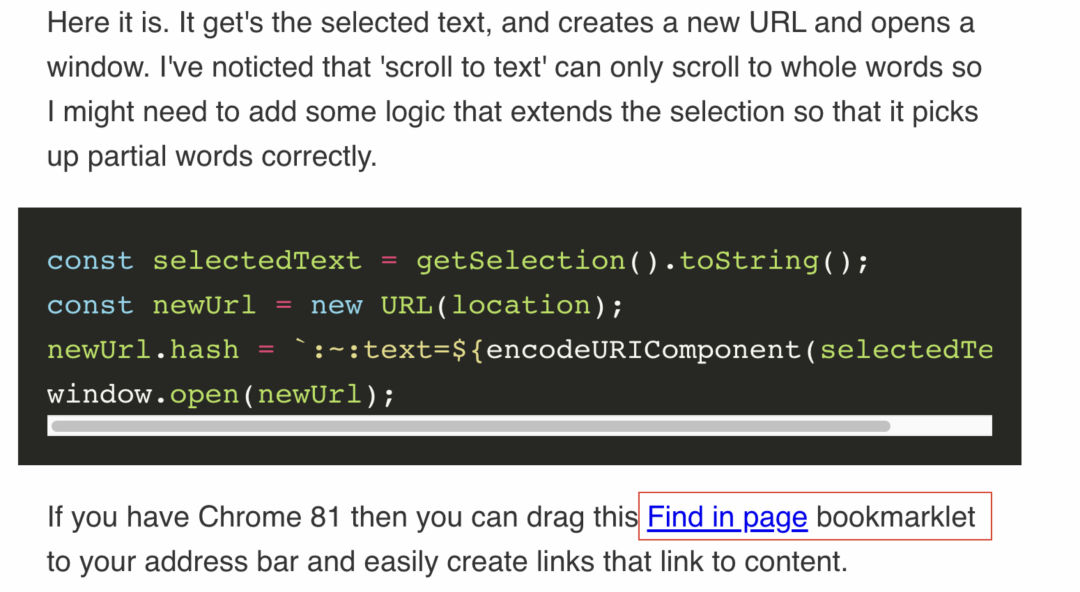
Drag the Find in page bookmarklet to the browser's bookmarks bar. The screenshot comes from the source-era Chrome 81 workflow, so current browser labels may differ.
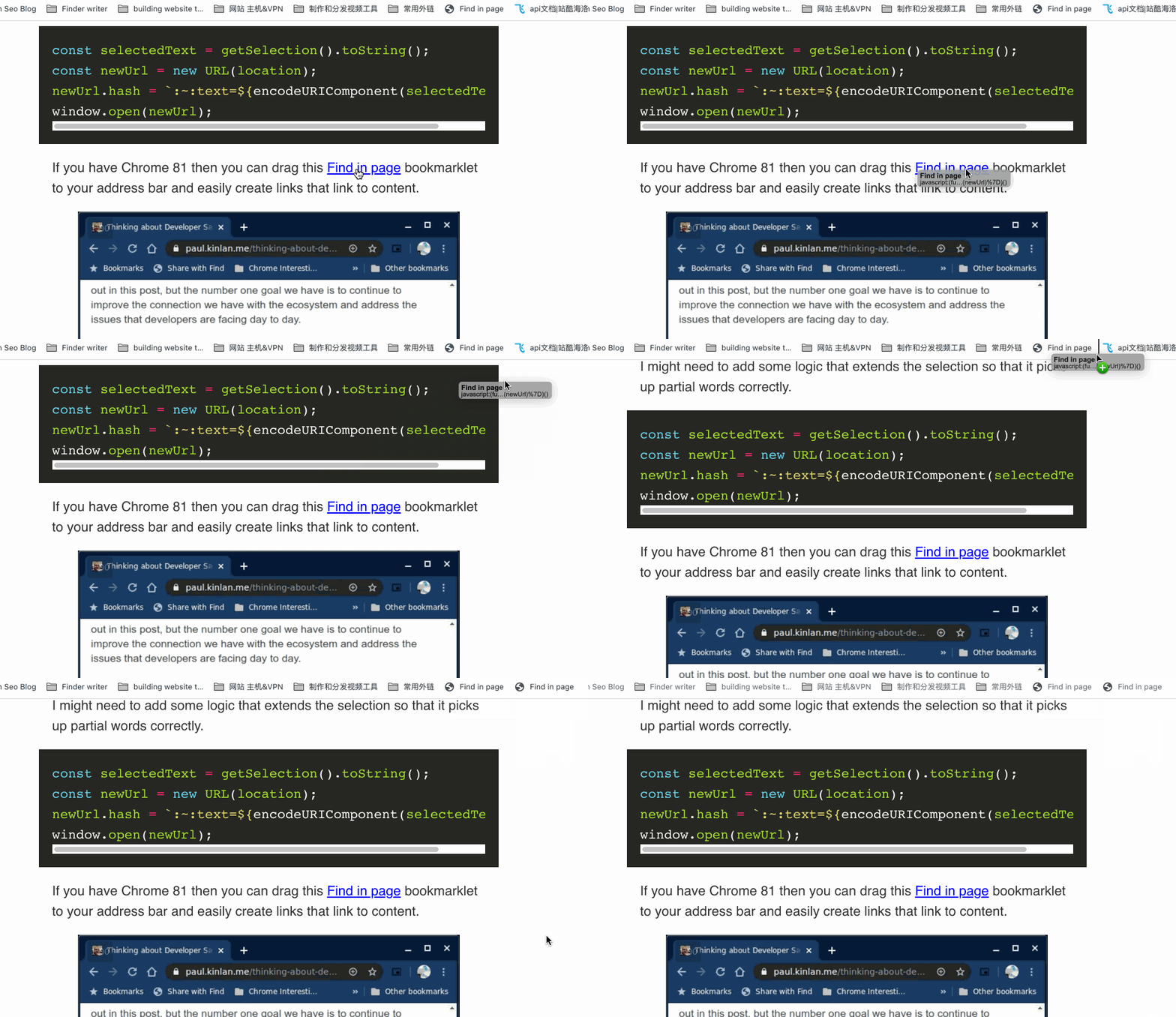
Select the text you want the link to target, then click the Find in page bookmarklet.
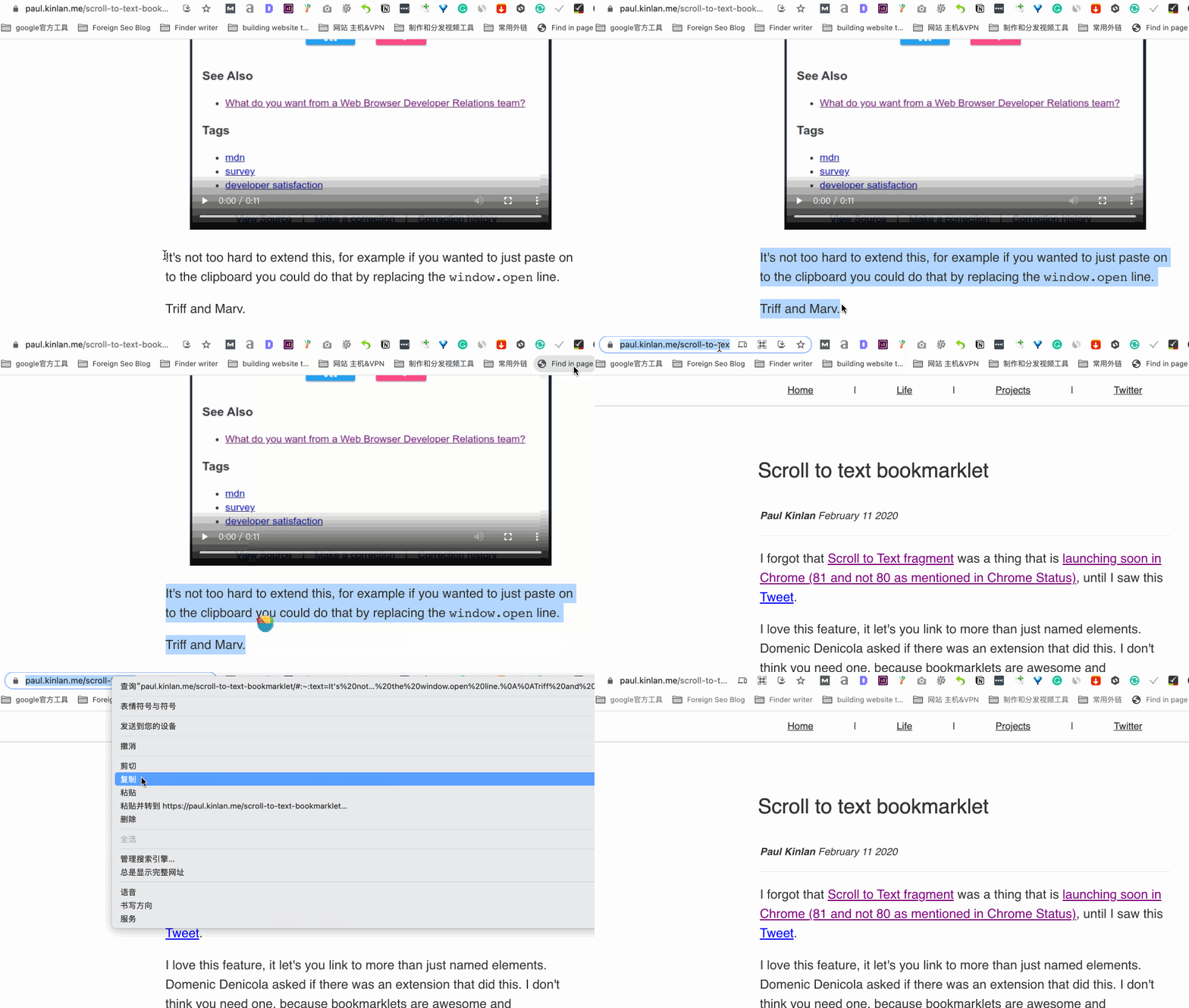
The bookmarklet generates a URL like this:
Open the source's example URL with its #:~:text= directive.
Use the generated URL as the link from your referring page.
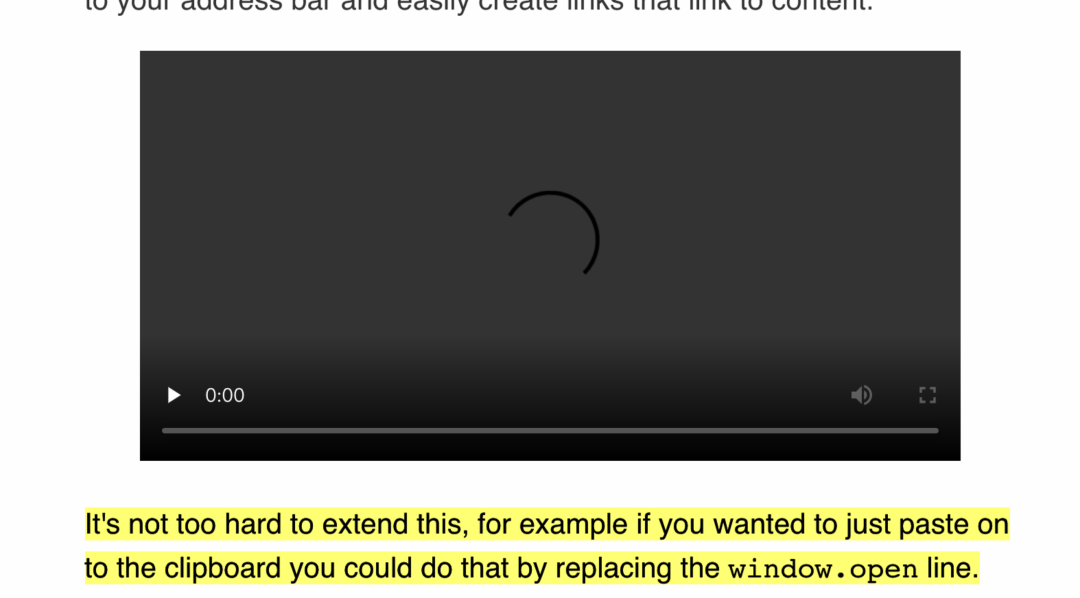
In a supporting browser, opening the link scrolls to the matching text and highlights it, as shown below. If the text no longer matches or the browser lacks support, the Text Fragment is ignored and the page opens at the top.
This is a small but genuinely useful technique, and it is worth learning.